Bring your own device
PointO hardware
Bring your own device
PointO POS runs on the iPhone, iPad, Android or computer you already have. No special hardware to buy - start selling on what's in your hands.
- $0 in hardware to start
- Staff can use their own phones
- Pair each device with a code




Check your device
What do you have?
Pick the device you'd like to use - here's what it's great for.
Works with PointO POS
Great for
Taking orders and payments on the move, and staff signing in on their own phones.
Use it as
Team deviceMain POS
Modes on every POS device
- Main POS - counter service and shops
- Full service - tables, checks and courses
- Appointments - bookings and check-in
One device, any role
Every device has a job.
Main POSYour register - paired with a code from the PointO POS site, then set to Main POS, Full service or Appointments.
Team devicesStaff sign in on their own phones with the email you invited them with and a 6-digit code - no handhelds to buy.
Kitchen displayAny tablet becomes a kitchen screen with timers, late alerts and voice commands - paired with its own code.
Web & desktopOpen PointO POS in the browser on a laptop or desktop - handy at a front desk or back office.
Pair a device
Up and running in three steps.
- 1Add the deviceOn the PointO POS site, open Devices and choose Add device.
- 2Enter the codeIn the app, tap "Use a device code" and type the code - it lasts 15 minutes.
- 3Choose your locationPick your business and location, then the mode - and start selling.
Taking cards
Get paid - even with no extra hardware.
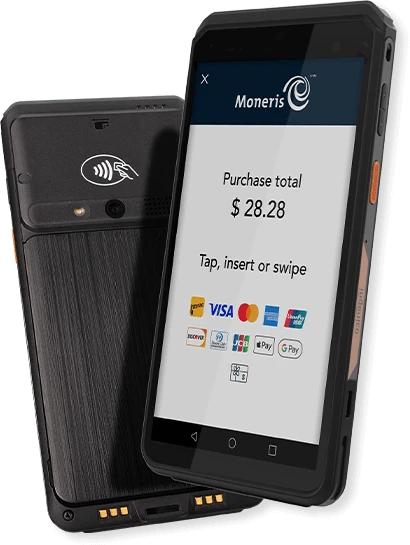
Card payments in person need a terminal like Go Slim. Without one, you can still get paid:
Payment linksSend a link by text or email - customers pay from their phone.
InvoicesBranded invoices paid by card or e-Transfer, with reminders.
Keyed-in cardsType in a card number for phone orders.
Bring your own device: questions
iPhone, iPad, Android phones and tablets, and Mac or PC in the browser - plus PointO terminals for card payments.